10 Most Popular Free WordPress Slider Plugins

10 Most Popular Free WordPress Slider Plugins

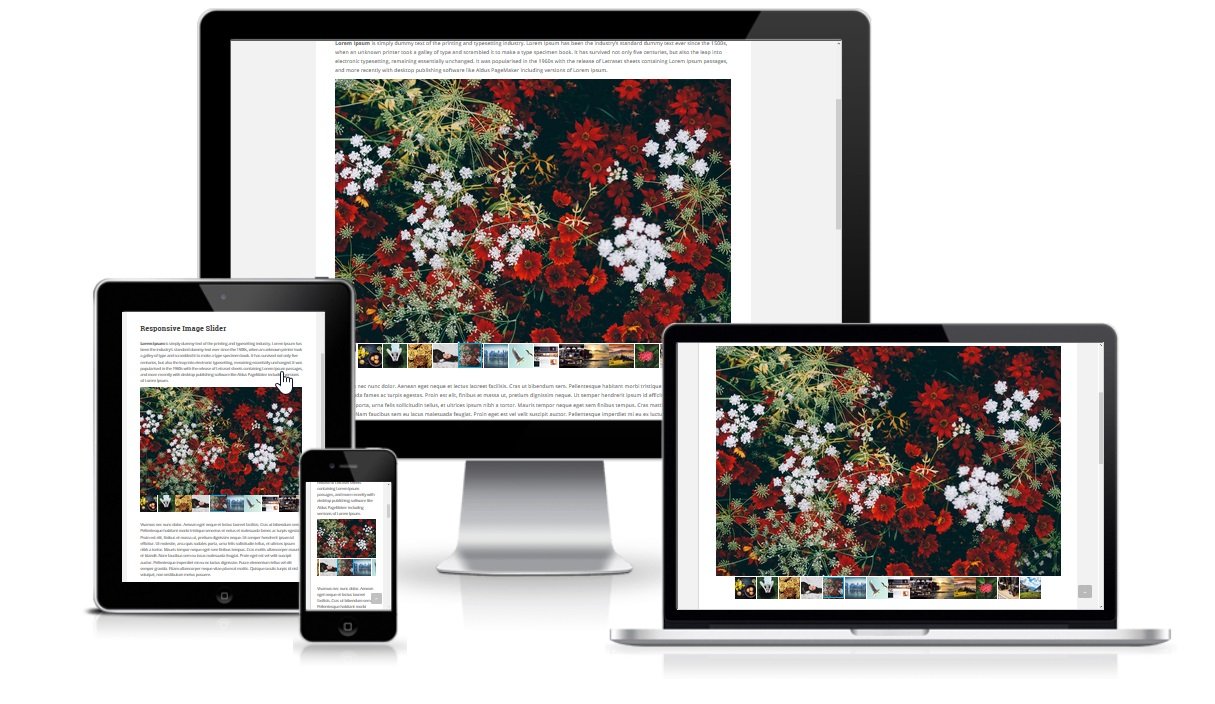
1. Media Slider Description Slider – A Responsive Multimedia Amazing Easy To Use Irresistible CSS & JS Based WordPress Image / Video Slider Plugin. Slider plugin provides a powerful engine for adding images or video slides, with the ability to batch upload, import media data, add/delete/rearrange/sort slides and more.…

How-To-Get-Flickr-API-Key

How To Get Flickr User ID?

How To Get Flickr User ID? Get your Flickr User ID is very simple enough. You need to log in into your Flickr account using yahoo credentials and visit your profile page. Follow the simple steps according to the points and screenshots: Step 1: Login to your Flickr account.…

Google Maps URL

How To Get Google Maps URL?

How To Get Google Maps URL How To Get Google Maps URL Step 1. first, Go to google maps. Step 2. When you will go on google maps, You will see something like this.                Now search for your location. Step 3. When you will find your location, You…

Get Social Share Button Code

How To Get Social Share Button Code

How To Get Social Share Button Code How To Get Social Share Button Code Step 1. First, go to ShareThis site, click-here to sharethis.com. Step 2. When you open ShareThis you will see something like this Now click on "GET SHARE BUTTONS".   Step 3. Now select a button…

WordPress Contact Info Widget Creation Guide

How To Make Contact Form In WordPress?

1. Download & Installation First, download Contact Form Plugin on WordPress. Click on plugins button from the admin menu bar. Click on add new. Search for "Contact Form". Now click on install button and activate. 2. Copy Shortcode Go to "Shortcode" menu page, copy the contact form shortcode. 3. Show Contact Form on…

Grid Gallery WordPress Plugin

How To Make Grid Gallery In WordPress?

1. Download & Installation First, download Grid Gallery Plugin from WordPress admin panel of your website. Click on plugins button from the admin menu bar. Click on add new. Search for "Grid Gallery". Now click on install button and then activate. 2. Add Images Into Grid Gallery To create gallery, click on grid gallery…

1 2 3 4 5