
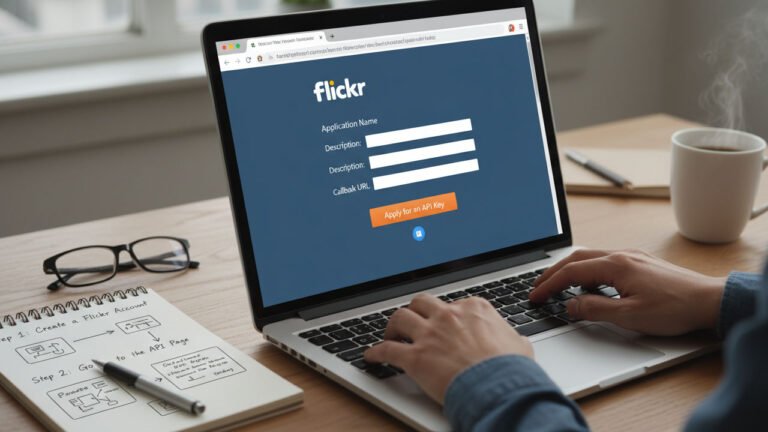
If you are building a photography portfolio, a WordPress gallery, or a custom web application, you likely need a Flickr API Key to fetch your images and albums programmatically.
Table of Contents
However, getting a key in 2026 is different than it used to be. Flickr has modernized its security protocols and changed its account requirements. This guide provides the most up-to-date steps to secure your API credentials safely and efficiently.
!IMPORTANT – 2026 Update: Flickr Pro Requirement As of recent updates, Flickr now requires an active Flickr Pro subscription to request new API keys. If you have a free account, you will need to upgrade before you can access the Developer App Garden.
1. Why You Need a Flickr API Key
The Flickr API (Application Programming Interface) allows external apps—like the Portfolio Filter Gallery—to “talk” to Flickr’s servers.
- API Key: Acts as your “username” for the API.
- API Secret: Acts as your “password” (keep this hidden!).
- OAuth 1.0a: The standard authentication protocol used by Flickr to ensure your data stays secure.
2. Step-by-Step: How to Get Your Flickr API Key
Follow these precise steps to generate your credentials:
Step 1: Sign In to Your Flickr Pro Account
Visit the Flickr Login Page. You can use your email or a linked Google/Apple account. Ensure the account you are using has an active Pro status.
Step 2: Navigate to the App Garden
Go directly to the Flickr App Garden at https://www.flickr.com/services/apps/create/. This is the hub where developers manage their applications.
Step 3: Request an API Key
Click on the link that says “Request an API Key”. You will be asked to choose between two types of keys:
- Non-Commercial Key: Most users should choose this. It is for personal blogs, portfolio sites, or non-profit projects. These are usually issued instantly.
- Commercial Key: Choose this if you are building a product you intend to sell or if your company will profit from the app. This requires a manual review by the Flickr team.
Step 4: Provide App Details
Fill out the short application form:
- What is the name of your app? (e.g., “My WordPress Portfolio”)
- What are you building? (Provide a brief 1-2 sentence description).
- Terms of Use: Read and check the boxes to acknowledge that you will follow Flickr’s API guidelines.
Step 5: Save Your API Key and Secret
Once you hit submit, Flickr will display your API Key and API Secret.
- Copy both immediately.
- Store them in a secure password manager.
- Warning: Never paste your API Secret into public forums or comments.
3. How to Use Your Key in WordPress
If you are using a plugin like the Portfolio Filter Gallery, simply navigate to the plugin’s “Settings” or “Flickr Import” tab.
- Paste your API Key into the designated field.
- If the plugin supports OAuth, you may also need to provide the API Secret.
- Click “Save Settings” and you can now begin importing your Flickr albums directly into your website.
4. Troubleshooting Common Issues
- “Invalid API Key”: Ensure there are no extra spaces before or after the key when you pasted it.
- “No Pro Subscription Found”: Double-check your account billing status at Flickr.
- OAuth Signature Errors: This usually happens if the system clock on your web server is out of sync. Ensure your server time is set to UTC.
Summary
Getting a Flickr API Key is the first step toward creating a dynamic, image-rich website. By following this 2026 guide, you ensure your site remains compliant with Flickr’s latest security standards while providing a seamless experience for your visitors.
Need help with your WordPress SEO or technical setup? Explore our WordPress Services to get expert assistance from the AWPLife team.
