

If you want your website to grow beyond one market, language can no longer be an afterthought. The best WordPress translation plugins help you turn a single-language site into a multilingual experience that feels natural, searchable, and easy to manage. That matters because global visitors do not just want access to your content; they want clarity, trust, and a smooth path from first click to conversion.
A weak translation setup can hurt rankings, confuse visitors, and make updates more difficult than they need to be. A strong one can improve your visibility, support your SEO goals, and make your brand look bigger than it already is.
In this guide, you will find eight tools worth your attention, with a close look at what each one does well, where it falls short, and why one of them deserves a closer first look.
How the Best WordPress Site Translation Plugins Improve Brand Visibility
They Help You Appear in More Search Results
A multilingual site gives you more chances to rank because your content can target search behavior in different languages. Instead of competing for one set of queries, you begin showing up in several search environments at once. That expands your brand footprint in a way that paid ads alone rarely match.
The key point is not just translation volume, but search-ready structure. When a plugin supports translated URLs, metadata, and proper language signals, your brand becomes easier to discover in local search. That is often the difference between a translated page that ranks and one that quietly disappears.
They Make Your Brand Feel Local
People respond differently when a website feels like it was built with them in mind. Language creates familiarity, and familiarity reduces hesitation when someone is considering your service, product, or message. A translated site can make your brand feel closer, even when your business operates across borders.
That local feel becomes stronger when translation extends beyond the main body text. Menus, buttons, calls to action, forms, and product details all shape how polished your brand appears. The best plugins help you carry that experience across the entire site rather than translating only the obvious parts.
They Improve Content Accessibility
Brand visibility is not only about being seen, but also about being understood. If visitors land on your site and cannot comfortably read the information, visibility does not turn into engagement. Translation plugins help remove that barrier and give more people a fair chance to connect with your offer.
This wider accessibility is especially useful for websites with educational, service-based, or product-heavy content. The more complex your site is, the more valuable clarity becomes. A plugin that handles more than simple page text can significantly improve how much of your brand people actually absorb.
They Support a More Professional Brand Image
A multilingual website sends a message before visitors even read the details. It suggests that your brand is prepared, growth-minded, and serious about serving different audiences. That can make a small business look more established and help an established business look more international.
A professional presentation depends on consistency. If the language switcher works well, the layout stays clean, and the translations feel coherent, your site looks deliberate instead of patched together. That visual and functional confidence strengthens how people perceive your brand.
8 Best WordPress Translation Plugins You Should Try
Not every translation plugin solves the same problem. Some focus on fast automatic translation, some give you stronger editorial control, and some are built for developers or multisite setups rather than everyday website owners. That is why choosing the right tool has less to do with popularity and more to do with fit.
One plugin in particular deserves an early look if you want a simpler path to multilingual growth. It does not try to bury you in complexity, and it leans into the things most site owners care about first: fast translation, editable content, language switching, and cleaner SEO support.
1. WTranslator
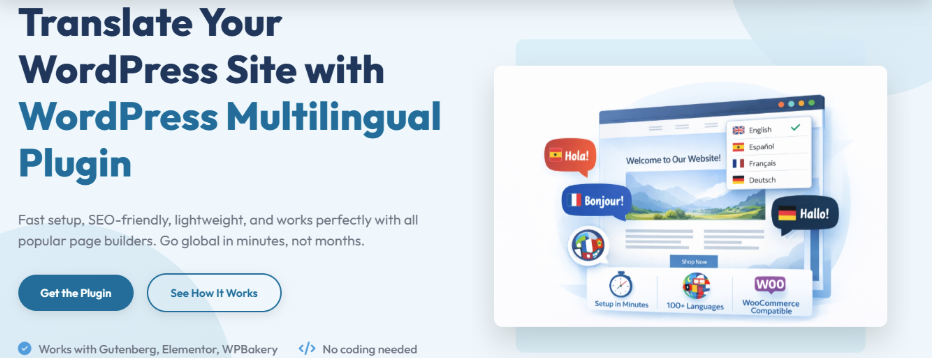
WTranslator is a practical option if your goal is to make a WordPress site multilingual without creating a difficult setup for yourself. It focuses on automatic translation, editable multilingual content, a built-in language switcher, and compatibility with SEO plugins. If you want a tool that feels aimed at getting you live quickly while still leaving room to refine translations later, this one deserves a serious first look.
Its SEO angle is also worth noting. WTranslator says it works with popular SEO plugins and positions translated content as search-ready, which is important if you want visibility rather than translation for its own sake. For a site owner who want a balanced mix of speed, manageability, and multilingual expansion, that overall package makes WTranslator an appealing starting point.
WTranslator Highlighted Features
- Automatic site translation for faster multilingual setup.
- Built-in language switcher for easier visitor navigation.
- Editable translations so you can refine key pages anytime.
- Multilingual content management from within WordPress.
- Compatibility with popular SEO plugins.
- Straightforward setup designed to reduce complexity.
- Built to help websites reach global visitors faster.
WTranslator Key Pros
- Get your multilingual setup moving quickly.
- Gives you automatic translation without locking editing away.
- Keeps the user experience simple for both admins and visitors.
- Supports SEO-focused multilingual growth.
- Works well for site owners who want less setup friction.
- Makes a good first choice if you value ease and momentum.
WTranslator Key Cons
- The ecosystem appears newer and less battle-tested than long-established competitors.
- Publicly available documentation appears lighter than some legacy plugins.
2. ConveyThis
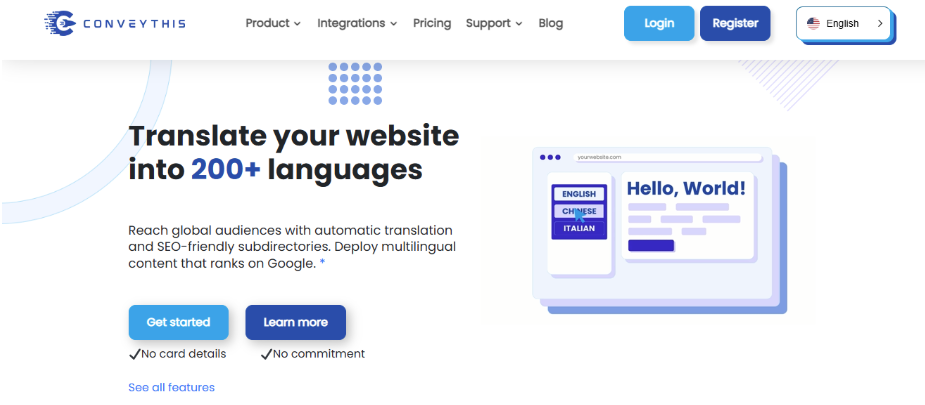
ConveyThis is built for people who want fast multilingual deployment with a strong SEO angle. It combines automatic translation, localized URLs and metadata, hreflang handling, and a visual editor that lets you review translations in context. If your priority is getting a site translated quickly without giving up the ability to fine-tune pages later, it is a very capable option.
The tradeoff is that this setup leans on an external platform model rather than a purely native WordPress feel. That is not always a problem, but some users prefer owning every layer of the workflow inside their site. Pricing and long-term dependency may also become more noticeable as your translated footprint grows.
ConveyThis Highlighted Features
- Automatic hreflang implementation for multilingual SEO.
- Localized URLs and metadata support.
- Visual editor for in-context translation review.
- AI translation with manual editing controls.
- Fast WordPress integration designed for quick launch.
ConveyThis Key Pros
- Strong multilingual SEO foundation.
- Good balance of speed and editorial control.
- Helpful visual workflow for marketers and agencies.
- Useful when you want to move fast across many languages.
ConveyThis Key Cons
- Hosted-style dependence may not suit users who want everything fully native in WordPress.
- Costs can become more noticeable as your multilingual needs expand.
- Some users may find the workflow less self-contained than a plugin that stores everything locally.
3. GTranslate
GTranslate is one of the quickest ways to make a website available in many languages. It is built around automatic translation, broad language coverage, and SEO-compatible multilingual setups on paid plans. If your main goal is speed and scale rather than detailed manual control, GTranslate remains a strong contender.
This plugin can work well when you care more about broad coverage than close editorial nuance. For some businesses, that tradeoff makes sense because speed to market is more important than perfect phrasing on every page.
Another thing to keep in mind is that automated output still needs judgment. Machine-generated copy is useful, but product positioning, legal wording, and conversion-focused headlines often need more careful review. So while GTranslate is powerful for reach, it is not always the best fit if your standard for language polish is high on every page.
GTranslate Highlighted Features
- Automatic website translation across many languages.
- SEO-friendly multilingual URL structure on supported plans.
- Fast deployment for content-heavy websites.
- Broad market reach without manual translation first.
- Paid editing and SEO-oriented upgrades available.
GTranslate Key Pros
- Very fast route into multilingual publishing.
- Useful for large sites with lots of pages.
- Strong appeal for scale-focused projects.
- SEO features can make it more than a basic language switcher.
GTranslate Key Cons
- Translation quality can vary because the workflow starts from automation first.
- Full SEO and editing benefits are not the main story in free usage.
- Brand-sensitive sites may want deeper manual control than it naturally prioritizes.
- The tool is better at reach than nuanced editorial refinement.
4. Polylang
Polylang is a long-standing choice for WordPress users who want multilingual control with a more native feel. It supports translated URL slugs, hreflang and open graph tags in Pro, flexible language switchers, and WooCommerce translation through its add-on ecosystem. If you value structured control and developer-friendly flexibility, Polylang deserves real attention.
Polylang is often a good fit when you do not mind being more hands-on. If you want a plugin to quietly handle everything for you with minimal decisions, there may be easier options. But if you want control, WordPress-style flexibility, and a mature multilingual structure, Polylang remains highly respectable.
Polylang Highlighted Features
- Translated URL slugs for stronger multilingual structure.
- Hreflang and open graph support in Polylang Pro.
- Flexible language switcher placement.
- WooCommerce translation through dedicated add-on support.
- Directory, subdomain, or domain-based language setups.
Polylang Key Pros
- Gives you strong structural control.
- Suits users who like a more native WordPress workflow.
- Offers serious multilingual SEO options.
- Can scale well when you are comfortable with add-ons and setup choices.
Polylang Key Cons
- The overall experience can feel more hands-on than beginner-first tools.
- Ecommerce translation strength relies on additional components.
- Machine translation is not framed as a one-click translate-everything experience.
- Builder compatibility can require extra checking in some setups.
5. Multilanguage Plugin
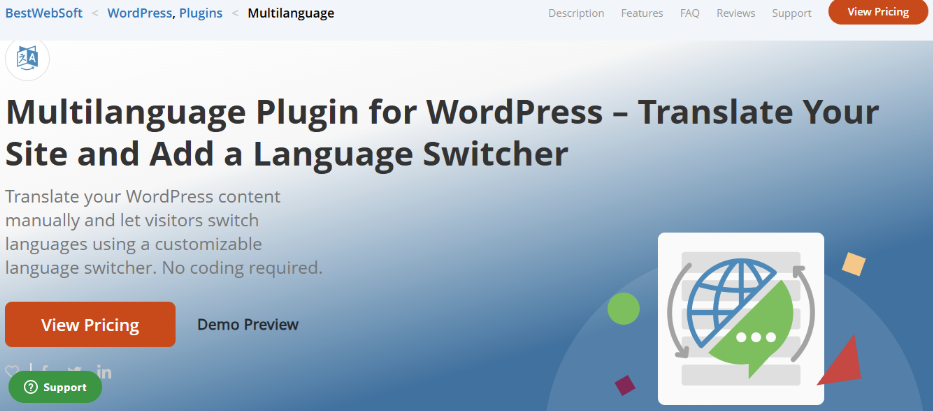
The Multilanguage Plugin by BestWebSoft is aimed at users who want straightforward multilingual support inside WordPress. It supports translating pages, posts, menus, widgets, and more, while the Pro version adds stronger SEO options, automatic translation, and wider compatibility with popular plugins and page builders. For basic to mid-level multilingual needs, it can be a sensible pick.
If your site is modest in scope and you want a familiar WordPress feel, it may be enough. If you want the strongest blend of automation, visual editing, SEO depth, and premium translation workflow, you will probably end up comparing it against more feature-focused alternatives.
Multilanguage Plugin Highlighted Features
- Translates posts, pages, menus, widgets, and more.
- The Pro version adds automatic translation.
- SEO optimization is included in Pro positioning.
- Supports compatibility with major plugins and page builders in Pro.
- Built to add multilingual support without major performance issues.
Multilanguage Plugin Key Pros
- Covers the core areas that many WordPress sites need.
- Easier to approach than some more complex systems.
- The Pro version significantly broadens its usefulness.
- Can suit smaller businesses that want a simpler route.
Multilanguage Plugin Key Cons
- The strongest capabilities are behind the Pro version.
- It feels less specialized than the most established translation-first tools.
- High-growth multilingual brands may want a more advanced workflow.
- It is easier to view as practical than standout.
6. Loco Translate
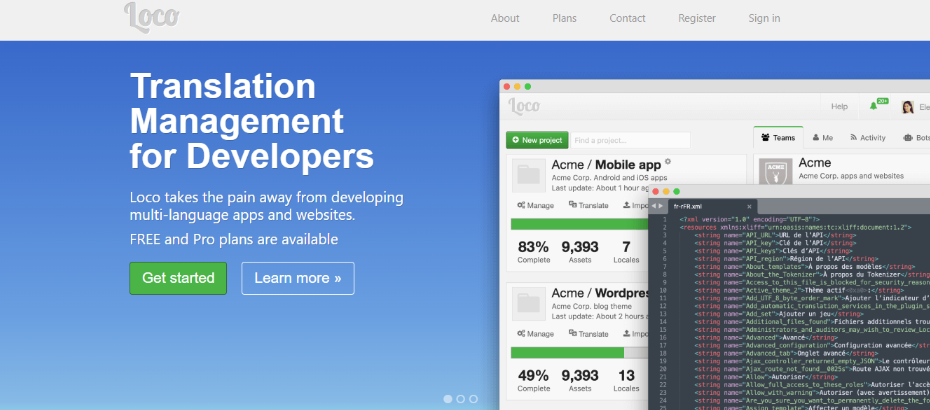
Loco Translate is a different kind of plugin from the rest of this list. It focuses on translating themes and plugins via WordPress language files, with tools for creating and editing .po/.mo files, scanning source strings, and even extracting JavaScript strings in supported workflows. If your real need is localization rather than full-site multilingual publishing, Loco Translate is extremely useful.
The drawback is straightforward: Loco Translate is not really trying to be a complete multilingual website solution. It does not occupy the same lane as tools built around SEO-ready translated URLs, language switchers, and sitewide content management. So if your goal is customer-facing multilingual growth, Loco Translate is usually a supporting tool rather than the main answer.
Loco Translate Highlighted Features
- In-dashboard editing of WordPress translation files.
- Designed for theme and plugin localization.
- Supports Gettext file creation and management.
- Can extract JavaScript strings in supported setups.
- Helps protect custom translations from updates with proper folder structure.
Loco Translate Key Pros
- Excellent for developers and technical site managers.
- Solves localization problems directly inside WordPress.
- More precise than general translation plugins for code-based strings.
- Useful as a specialist tool in a broader multilingual stack.
Loco Translate Key Cons
- Not built as a full multilingual site management platform.
- Does not compete on the same SEO-led website translation features as broader plugins.
- Less suitable for non-technical users who want a quick front-end translation workflow.
- Best used for localization tasks, not as your main multilingual marketing engine.
7. MultilingualPress
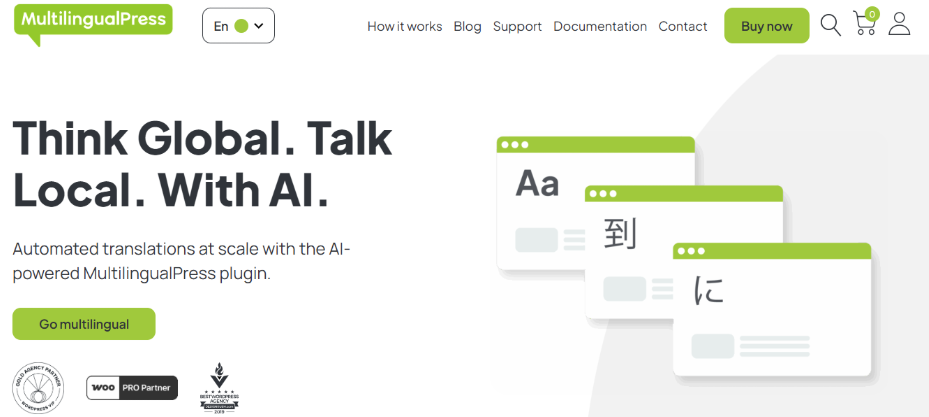
MultilingualPress approaches translation through WordPress Multisite, which instantly sets it apart from most plugins in this space. It connects language versions as separate sites, promotes SEO-friendly multilingual structure, supports WooCommerce, and now highlights AI-powered translation and automated workflows. If you want architectural separation and serious scalability, it is one of the strongest technical options available.
The tradeoff is complexity. Multisite is not the most beginner-friendly foundation, and some users do not want the overhead that comes with that model. If you are comfortable with a more technical setup, MultilingualPress can be excellent, but if you want the quickest route to multilingual publishing, simpler plugins may fit you better.
MultilingualPress Highlighted Features
- Multisite-based language architecture.
- AI-powered translation and automation positioning.
- SEO-friendly language switcher and multilingual structure.
- WooCommerce support in current product messaging.
- Yoast SEO metadata sync through dedicated integration support.
MultilingualPress Key Pros
- Strong fit for large or technically managed multilingual sites.
- Architectural separation can support cleaner organization.
- Serious SEO appeal for multilingual teams.
- More scalable than many simpler plugins when multisite is appropriate.
MultilingualPress Key Cons
- Multisite adds setup and management complexity.
- It is less beginner-friendly than single-site alternatives.
- Smaller websites may not need this level of structural overhead.
- The best benefits appear when you actually want a multisite strategy.
8. TranslatePress
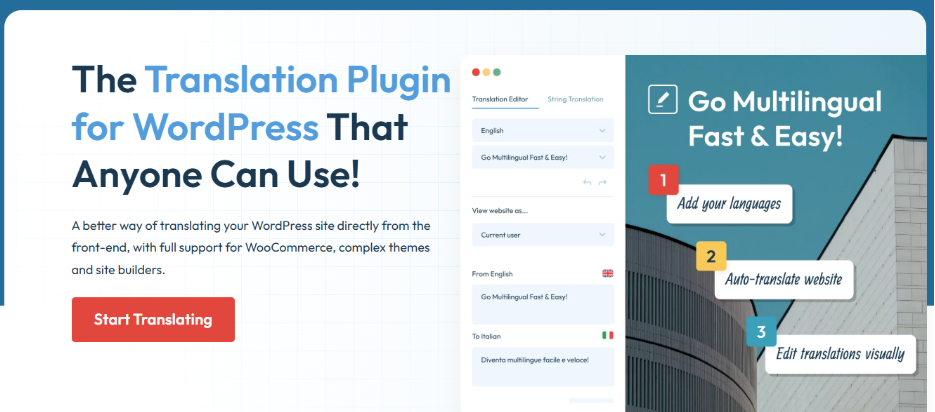
TranslatePress is one of the easiest plugins to understand and one of the easiest to recommend to mainstream WordPress users. It gives you front-end visual translation, support for WooCommerce, page builders, and complex themes, built-in automatic translation, multilingual SEO, and ownership of your translations. If you want a strong blend of usability and flexibility, it remains one of the most polished tools in this category.
TranslatePress also works hard to cover the messy parts of real websites. It explicitly supports WooCommerce, complex themes, page builders, and content from across your site, which is important because translation problems often show up outside the main editor. A tool that can reach those areas saves you from broken multilingual experiences.
The main caution is that TranslatePress is not always the lightest solution in performance comparisons. WP Rocket’s testing found it among the slower options in that specific benchmark, though still in a reasonable range. So if raw speed is your top concern, you may want to weigh that against its usability advantages.
TranslatePress Highlighted Features
- Front-end visual translation interface.
- Works with WooCommerce, page builders, and complex themes.
- Built-in automatic translation support.
- Multilingual SEO positioning for translated content.
- You keep ownership of your translations.
TranslatePress Key Pros
- One of the easiest workflows to use well.
- Handles real-world site content beyond just basic posts and pages.
- Good balance of visual control and automation.
- Strong all-around choice for stores, marketers, and content sites.
TranslatePress Key Cons
- Some advanced value depends on premium usage rather than the bare minimum setup.
- It is not always the first choice if performance benchmarking is your top filter.
- Users who prefer a pure backend workflow may not care as much about the visual editor advantage.
- Simplicity can still expand into a richer setup as you layer features.
Final Thoughts
The best translation plugin for you depends on what you actually need the multilingual setup to do. If you want the quickest way to reach more visitors and keep the workflow approachable, WTranslator and TranslatePress are especially easy to get started with. If you care more about hosted automation and SEO packaging, ConveyThis deserves attention, while GTranslate is still hard to ignore for sheer speed and scale.
If your preference leans toward tighter WordPress control, Polylang remains a strong option. If you need localization at the theme and plugin level, Loco Translate is more specialized and more useful than a general site translator. And if you are building a large multilingual system with a multisite mindset, MultilingualPress can be one of the smartest long-term choices.
Still, if you want a recommendation that feels practical rather than overengineered, WTranslator stands out in a subtle but important way. It offers the basics most site owners actually need first: automatic translation, editable multilingual content, a language switcher, and SEO-conscious positioning, without making the whole process look harder than it should. That combination makes it an especially appealing place to start when your goal is growth, not complexity.
