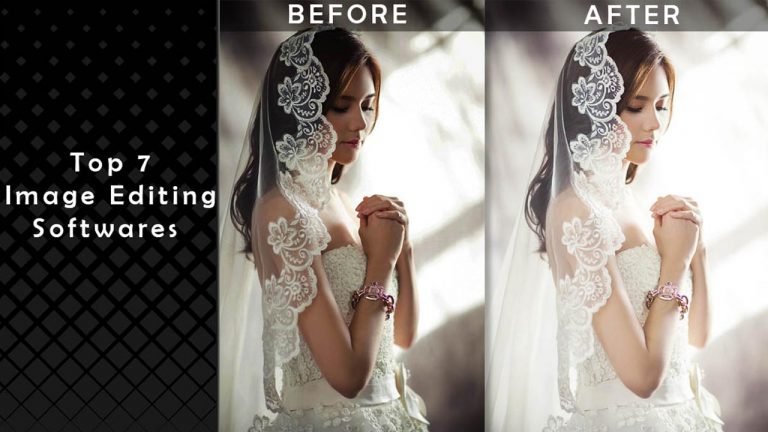
“A picture paints a thousand words” is a phrase often used in marketing to show the importance of an image to sell the product. Not only in marketing, but a beautiful and clear image can tell the whole story without a single word. Just open any website, and you won’t find any of them without images.
Before uploading an image, it requires some editing to make it incredible and more attractive. Whether you take pictures with your phone or you’re a professional photographer, you need image editing software to edit your photos to bring focus to subjects.
There are lots of image editing softwares are available to make your images beautiful and eye catchy. Some of them are free, and you need to pay money. But it is really difficult to choose the right image editing software.
Table of Contents
We are sharing a list of the top photo editing software to make it easy for you. Have a look!
1. Adobe Photoshop CC
ADOBE PHOTOSHOP CC, you can make it with Photoshop CC, the world’s best imaging and graphic design software. Create and enhance photographs, illustrations, and 3D artwork. Design the websites and mobile apps. Edit videos, etc.
Features
Free option
One Week free trial. No credit card required. Get full access to Photoshop for a 7days. As a part of your free Creative Cloud membership, you’ll also get.
YouCam Online Editor is an AI-driven image editing software designed to help designers create polished visuals quickly and efficiently. As a browser-based tool, it removes the need for complex installations while offering intelligent editing features that simplify retouching, layout adjustments, and creative transformations. From marketing assets to e-commerce images, it supports fast iteration without sacrificing visual quality.
Key Features
Background Removal – Uses AI to precisely detect subjects and separate them from backgrounds, making it easy to swap scenes or create clean cutouts for design layouts.
Image Extender – Expands images beyond their original boundaries by intelligently generating new visual content that blends naturally with the existing image.
Image Enhancer – Improves image clarity, lighting, and color balance with automated enhancements, helping designers achieve a refined, professional look in seconds.
Image-to-Video Generator – Transforms static images into short, engaging videos, enabling designers to create motion content for ads, social media, or digital campaigns with minimal effort.
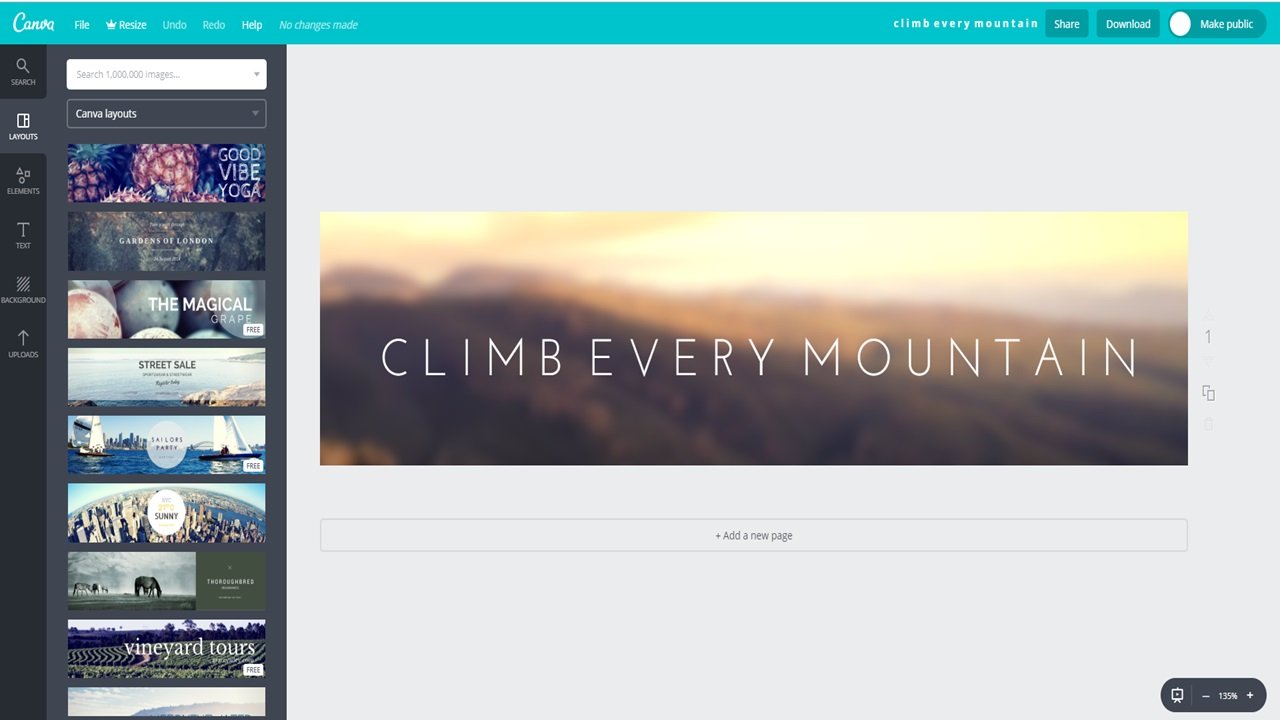
4. Canva Editor
Canva Image Editor is Simple and great for you and your team, and you edit the image and design the image
Features
Image cropper: Crop your photos for great framing and masterful composition
Add text to photos: Create a narrative for any photo
Speech bubble maker: Give your photos a voice with speech bubbles!
Give your photos a delicate fade with our transparency tool
Photo enhancer: Enhance your photos to save any “off” shots
Photo blur: Add artistry to your images with the blur slider
Photo vignette: Grant your pictures vintage flair with our photo vignette tool
Design grids: Looking for layout inspiration? Try a design grid
Free icons: Complement your designs with the crisp lines of our icons
Photo frames: Add photo frames to adorn your memories
Web wireframe: Begin with the basics and create a web wireframe
Stickers: Amp up your images with some surprise stickers
Badges: Build a better badge with Canva
Add texture: Give your designs texture and feeling from our image library
5. GIMP Editor
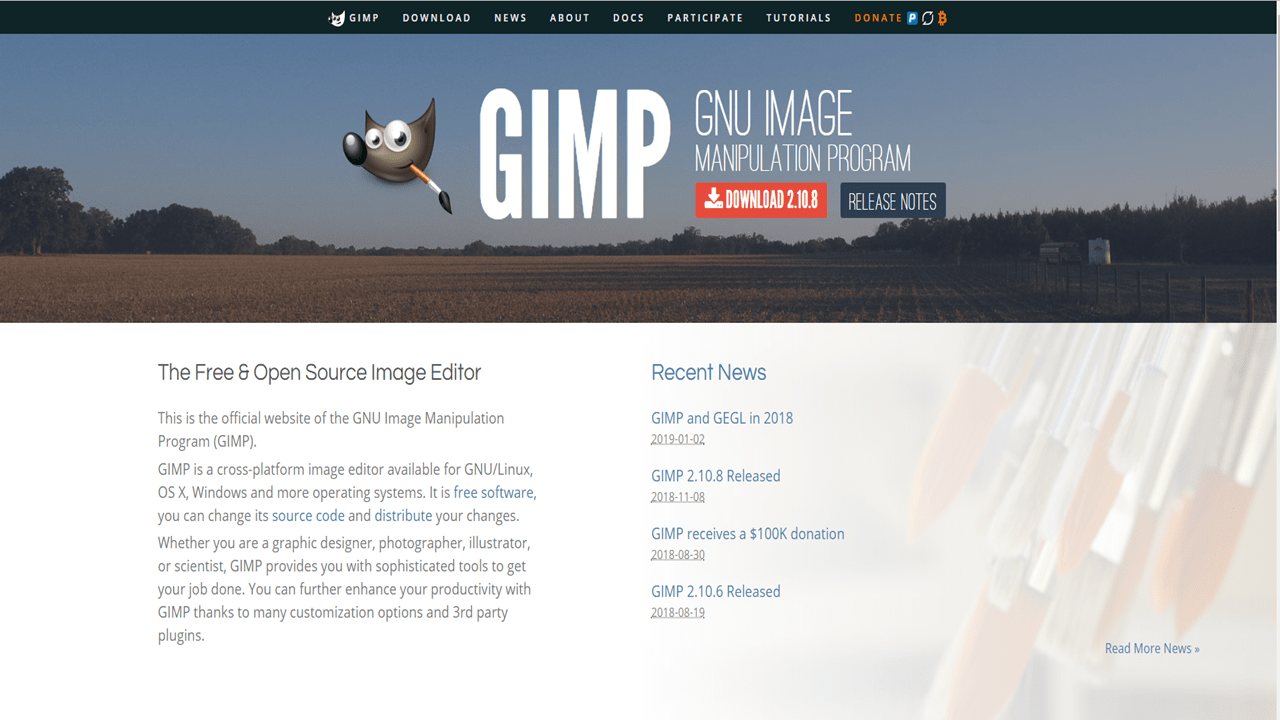
The Free & Open Source Image Editor
This is the official website of the GNU Image Manipulation Program > GIMP
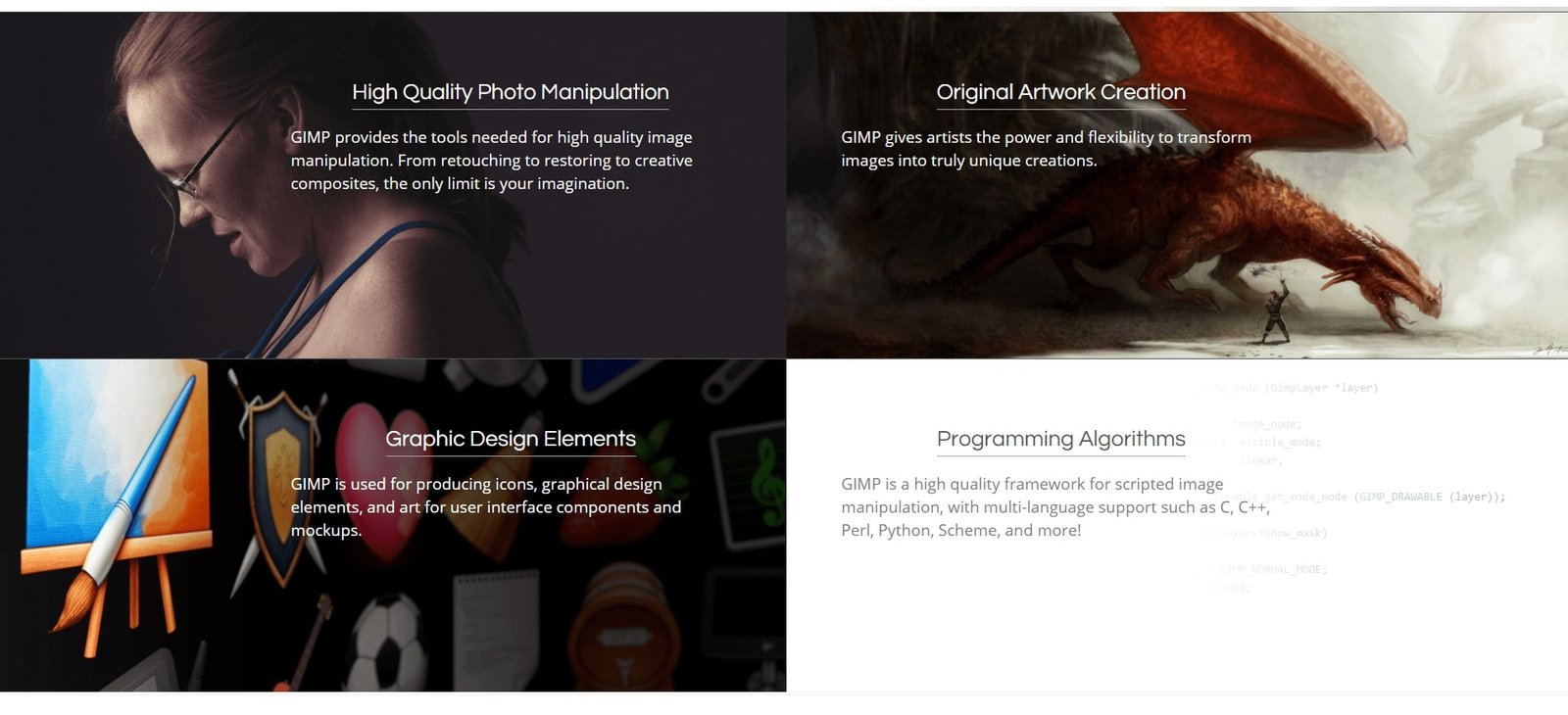
Gimp Editor Features
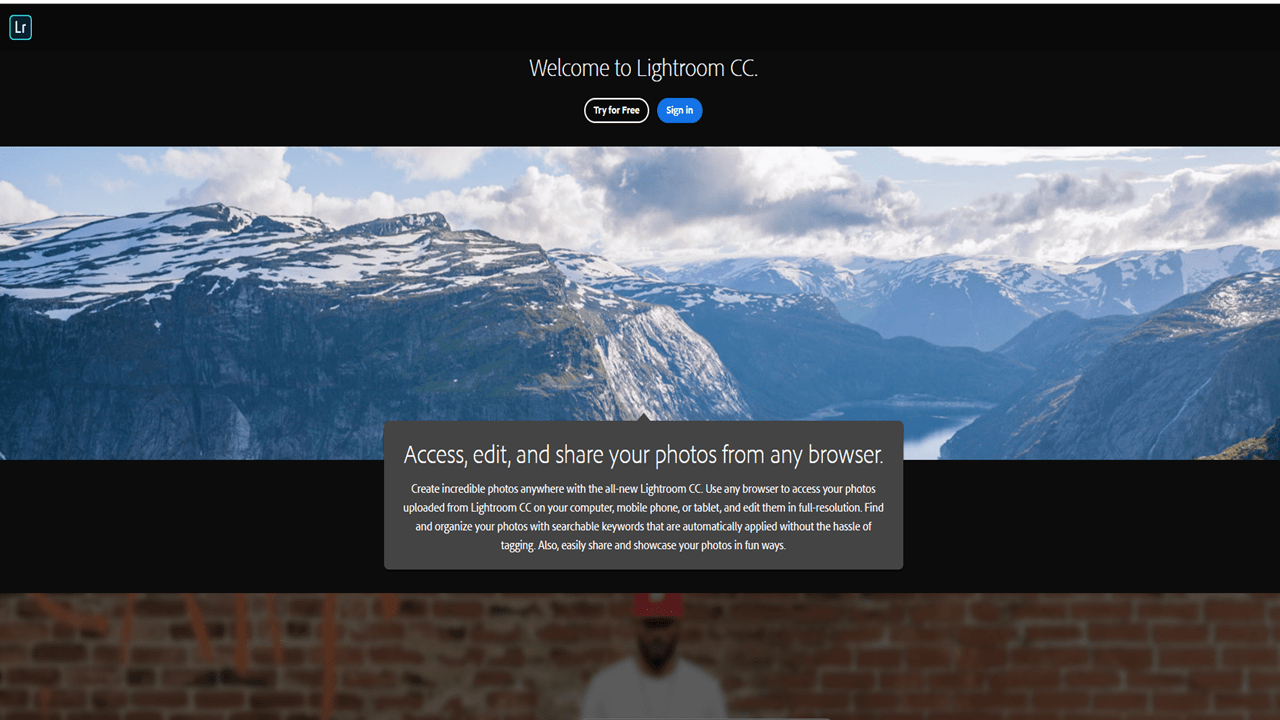
6. Lightroom CC.
Amazing photos. Anywhere you are.
The cloud-based service for people who love photography, Lightroom CC Editor gives you everything you need to edit, organize, store, and share your photos across desktop, mobile, and web.
Lightroom CC Plan
7. PaintShop Pro
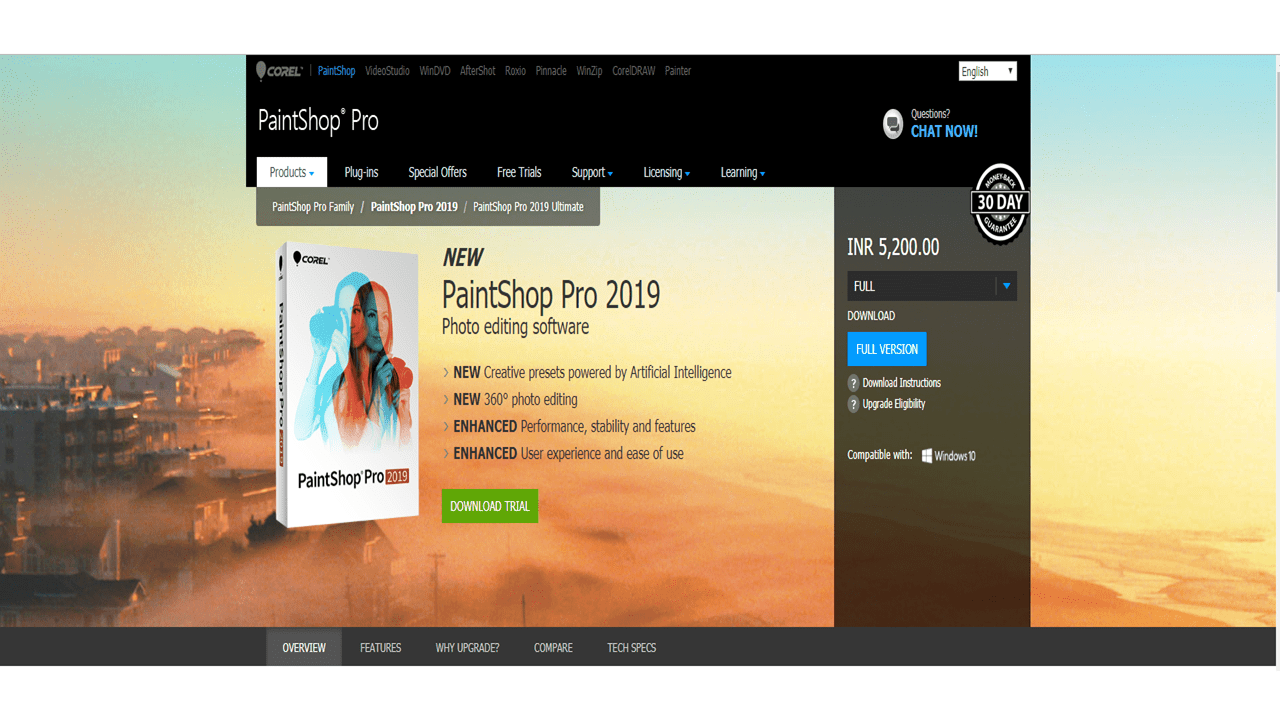
NEW Creative presets powered by Artificial Intelligence
NEW 360° photo editing
ENHANCED Performance, stability, and features
ENHANCED User experience and ease of use
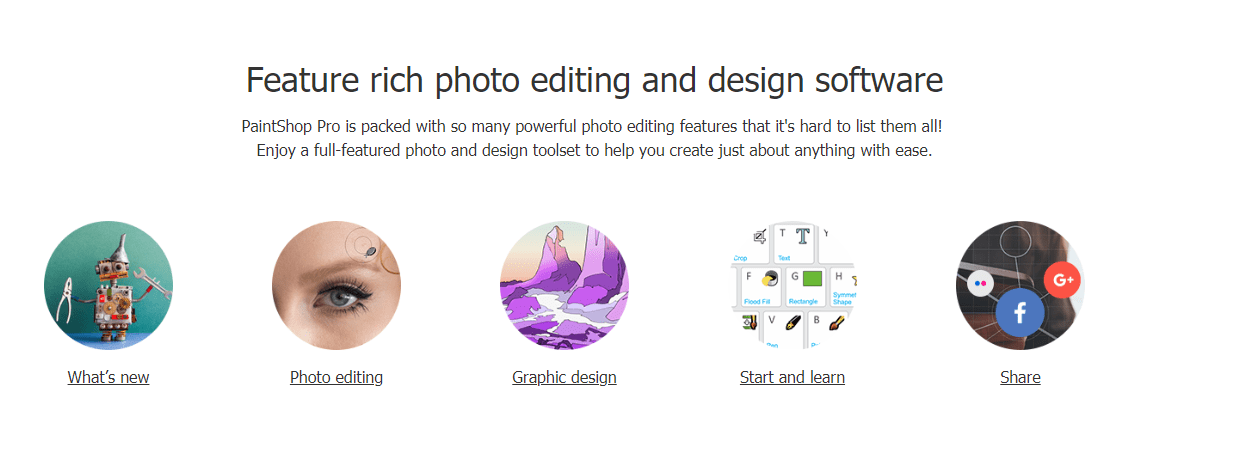
PaintShop Pro Features
Experience a professional photo editor designed by passionate photo enthusiasts who use it. a PaintShop® Pro 2019
A WP Life
Hi! We are A WP Life, we develop best WordPress themes and plugins for blog and websites.